Gas Sale Management System
Posted: 19 February 2025
Free

About the Project
The Gas Sale Management System is a comprehensive platform designed to streamline gas sales, inventory management, and customer transactions. It enables businesses to efficiently track orders, monitor stock levels, manage suppliers, and oversee brand-specific gas products. The system also facilitates seamless customer interactions by recording order history and payment details, ensuring accurate financial tracking. With features for automated sales reports and real-time stock updates, it enhances operational efficiency, reduces errors, and improves customer service.
Sample Project Screenshots
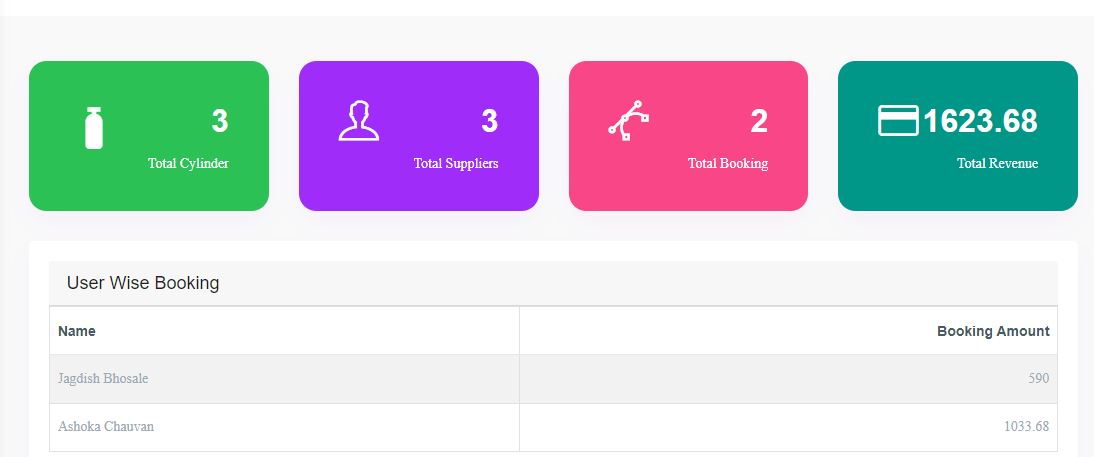
Admin Dashboard
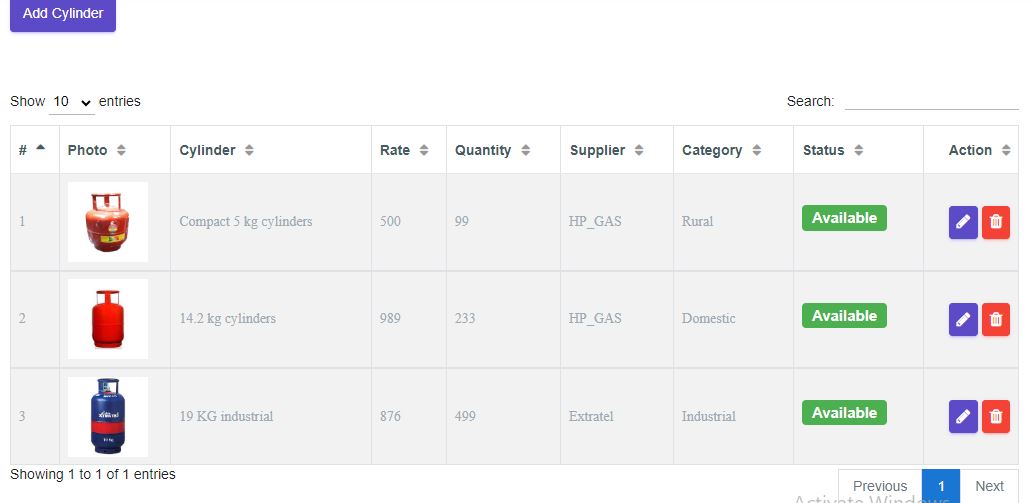
Cylinder Management
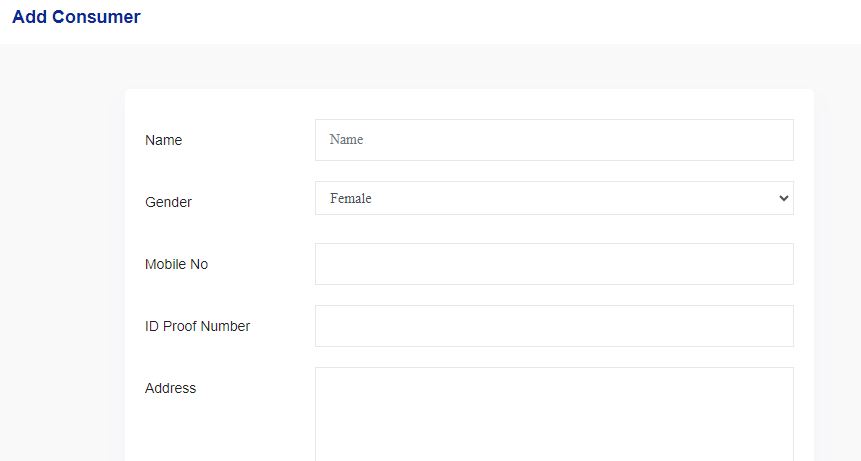
Register New Consumer
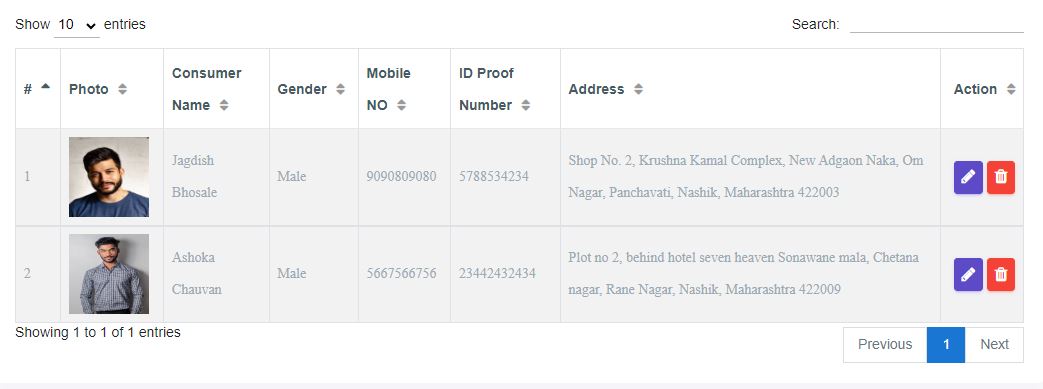
Consumer List
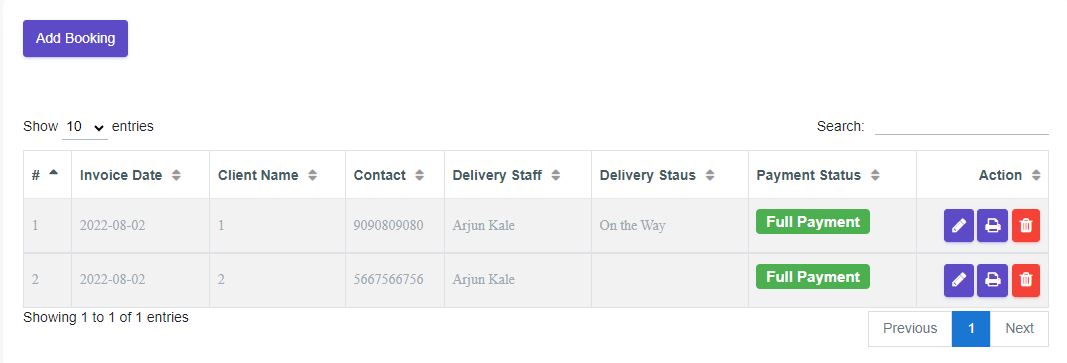
Bookings
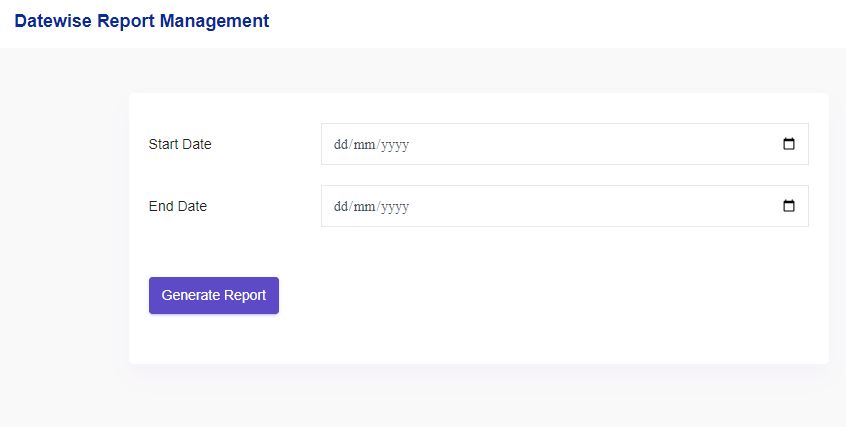
Filter Reports
Project Requirements
| Project Name | Gas Sale Management System |
|---|---|
| Language | PHP |
| Database | MySQL |
| Platform Type | Web Applictation |
| Software | Xamp,Wamp |
Installation Procedure
Step-by-Step User Guide for Running a Zipped Project in XAMPP
- Extract the Zipped Project
- Locate the zipped project file (e.g., project.zip).
- Extract it to the htdocs directory in your XAMPP installation path (e.g., C:\xampp\htdocs\my_project).
- Start XAMPP
- Open the XAMPP Control Panel.
- Start the Apache and MySQL services by clicking the Start buttons next to them.
- Create the Database
- Open your web browser and navigate to http://localhost/phpmyadmin.
- Click New in the left sidebar, name the database (use the same name as the .sql file), and click Create.
- Import the Database
- Click the name of the newly created database in phpMyAdmin.
- Select the Import tab, choose the .sql file from the project folder, and click Go.
- Run the Project
- Open your browser and go to http://localhost/project_name.